
Your agent is set up. Now make it useful.
Ten copy-paste tools that turn an agent sitting in a terminal into one that reaches 1,000+ apps, reads the live web, talks back, and runs while you sleep. No API wiring, no glue code, no setup faff. Just paste and reload.
- Composio
- Firecrawl
- ElevenLabs voice
- Web dashboard
- Built-in power features
- Mem0
- Perplexity
- Replicate Flux
- Playwright
- Google Workspace
- The First Client Playbook
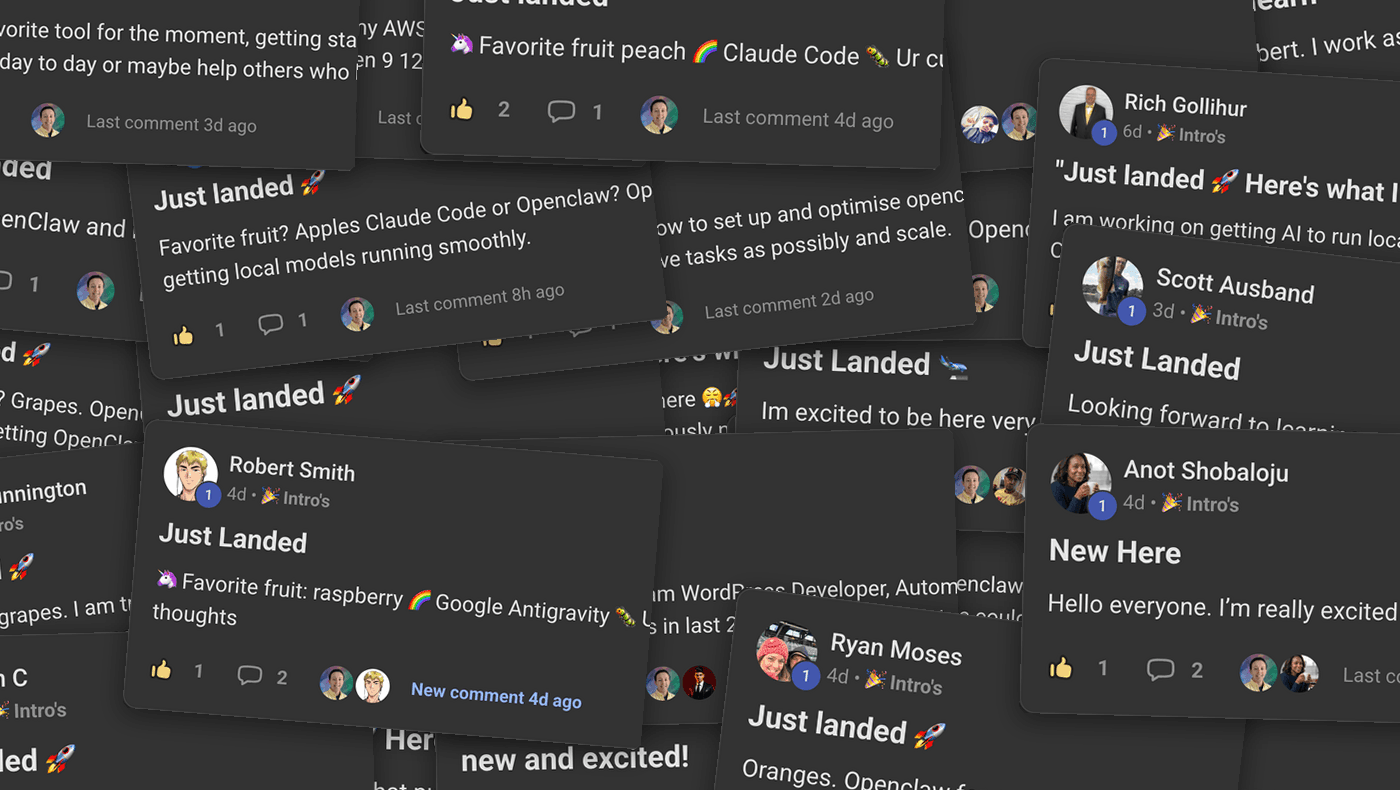
440+ builders are already plugging this into their agents
A look at this week's intros wall: real people wiring these exact tools into Hermes and OpenClaw, right now.
Six things it can do the moment you plug these in
- Reach 1,000+ apps through one connection
- Read the live web as clean text
- Talk back to you out loud
- Generate images on command
- Remember you across sessions
- Drive a browser and run on a schedule
Ten tools, each a single paste away
For every tool you get what it unlocks, the exact block to paste, how to tell it worked, and the one gotcha to avoid. Nothing hand-wavy. Wiring these up yourself is a weekend lost in API docs. Here, each one is a single paste.
- 01
Composio
1,000+ apps through one connection, with the OAuth handled for you.
- 02
Firecrawl
Turns any web page into clean text your agent can actually read.
- 03
ElevenLabs voice
Your agent talks back out loud instead of only typing.
- 04
Web dashboard
A browser control room for watching and steering your agent.
- 05
Built-in power features
Plain-English scheduling, subagents, and one-command rollback.
- 06
Mem0
Your agent remembers you across sessions and tools.
- 07
Perplexity
Cited answers from the live web. Tavily included as the alternative.
- 08
Replicate Flux
Your agent generates images on command.
- 09
Playwright
Your agent drives a real browser, no vision model needed.
- 10
Google Workspace
Gmail and Calendar wired in directly, for hands-on control.
There is an eleventh thing in here. You only see it once you are in.
The ten tools make your agent useful. The secret skill is about what comes next: turning what you build into money. It is waiting for you the moment you join the list.
Fair questions
Yes. Email only, no card, nothing to buy. You get the kit and the secret skill the moment you sign up.
No catch. The kit costs me nothing to hand over and it is the fastest way to show you what your agent is actually capable of. If you get value from it you might stick around for what I publish next, or join the community later. If not, keep the kit anyway. It is yours either way.
If you can copy, paste, and reload, you can do this. Every tool comes with the exact block and a quick way to check it worked. You do not need to write code or understand the APIs underneath.
A follow-along walkthrough page plus a GitHub repo of copy-paste blocks. For every tool you get what it unlocks, the exact block to paste, how to tell it worked, and the one gotcha to avoid.
Most tools are a single paste and a reload. You can have your first one running in a couple of minutes, and add the rest whenever you like.
It assumes you already have an agent running, either the Hermes Agent or OpenClaw. If you have not set one up yet, watch my setup videos first, then come back and this will make a lot more sense.
The kit is free. A few of the tools have their own free tiers or a small cost (a voice plan, for example), and I flag every one of those up front so nothing catches you out.
It is built for the Hermes Agent and works with OpenClaw too, which uses the same setup. The tools themselves are model-agnostic, so run whichever model you prefer.
Make your agent earn its keep
Get the ten tools and the secret skill. Free, email only, in your inbox within the minute.